











Soccabet offers several ways to access its platform from mobile devices in Tanzania. You can use the Android app, install an APK file directly, open the mobile website in a browser, or switch to Lite if your connection is slow. The best option depends on your phone, data plan, and how often you play.
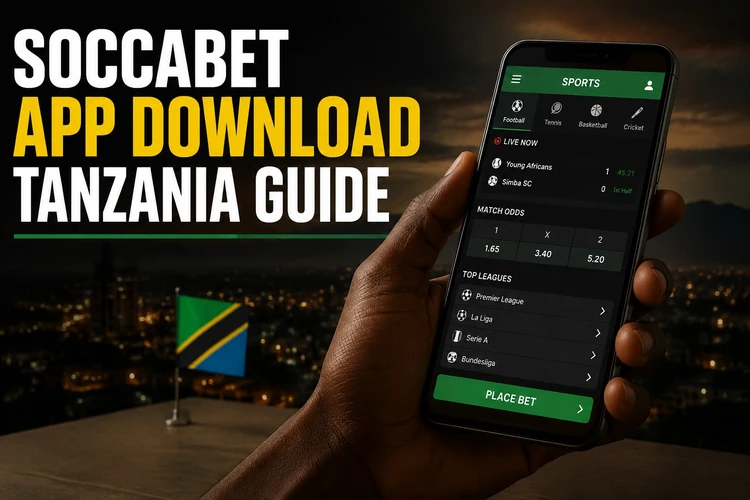
This page walks through each option in practical terms. It also explains Android setup, APK safety, iPhone access, desktop use, and the main differences between the full site and Lite version.
Main Features of the Soccabet App
The Soccabet app is built for quick navigation on a small screen. The layout uses clear buttons, simple menus, and faster access to common actions such as checking odds, placing bets, and reviewing your account. On most phones, it feels easier to use than a browser because the main tools are grouped in one place.
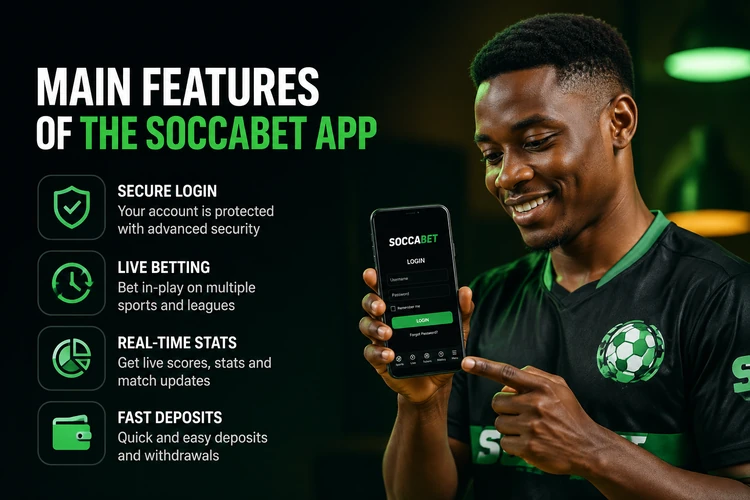
Security matters just as much as speed. The app uses standard login protection and session controls, so it is best to sign in only on a private device. If you share a phone, clear saved passwords when you finish. A native app can also load faster than a browser because it keeps some data ready on the device.
For everyday use, the main advantage is convenience. You do not need to open a browser each time, and the screen is already set up for mobile betting. That makes it easier to move between the sportsbook, live markets, and your account page without extra taps.
How to Download the App
To download the app on Android, start from the official Soccabet site in your mobile browser. Find the download section, choose the current file, and wait for it to save to your phone. If your connection drops during the download, start again rather than using a partial file.
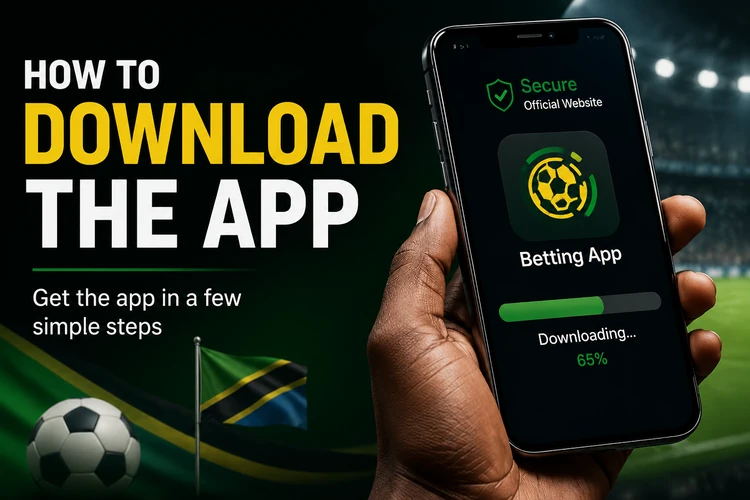
Before opening the file, check that the name and version look current. A clean download should come from the official source, not from a mirror site or a random file-sharing page. Third-party copies can be outdated or altered, which is a real risk for login data and payment details.
After the file appears in your Downloads folder, tap it to begin installation. Android may ask for permission to install from this source. That step is normal for APK files, but you should only allow it for a site you trust. Once the app is installed, you can open it immediately and sign in.
If you prefer, you can treat the browser version as a backup. It is useful when you want quick access without storing another app on the phone. For many users, that is the easiest way to test the platform before installing anything.
Android App Installation
When the APK opens, Android shows the installation screen with the permissions the app needs. Review them first, then tap Install if everything looks correct. Most phones finish the process in less than a minute. After that, the icon should appear on your home screen or in the app drawer.
If an older version is already on your phone, the new file should replace it. That keeps your account details intact and usually avoids a fresh login. If the app does not open after an update, restart the phone and try again before reinstalling anything.
One practical tip is to keep at least a little free storage on your device. App updates can fail when the phone is nearly full, even if the installer itself is small. If you see a warning during setup, free some space and run the installation again.
APK Installation Guide
An APK is the installation file used by Android apps. When you download the Soccabet APK, you get the installer directly instead of going through an app store. That method is common for betting platforms, especially when the official site wants to control the release version and keep the file current.
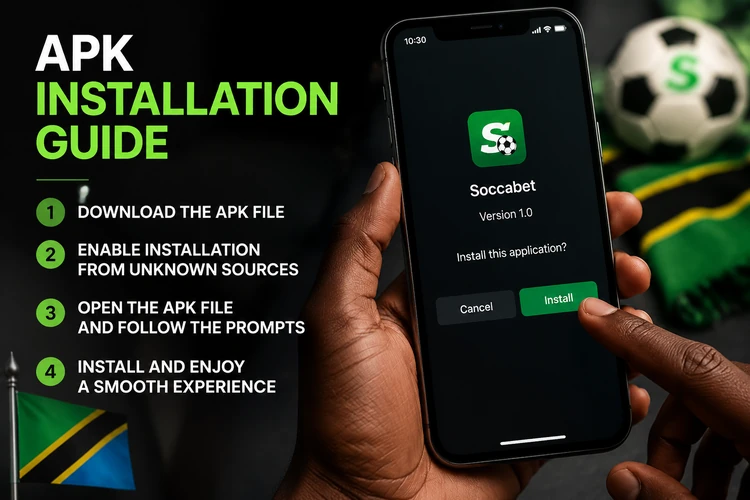
The main benefit of APK installation is control. You choose when to update, and you can compare the current file with the version already on your device. The drawback is that updates are manual, so you need to return to the official site when a newer release appears.
Safety is the most important point. Only install APK files from the official Soccabet source. If a file comes from a third-party mirror, it may be modified, incomplete, or simply outdated. A safe file should also match the current release notes or version information shown on the site.
If an APK refuses to install, check three things first: storage space, Android version, and whether the download finished completely. Those are the most common reasons for installation errors. Re-downloading the file often fixes the problem faster than changing settings at random.
Tanzania APK Versions
The Tanzania APK version is meant for local users and should be downloaded only from official sources. That is the simplest way to avoid old files and broken installers. If a version is listed on the site, it is better to use that copy than a file hosted somewhere else.
When a new build appears, it is usually because the app has been updated for stability, security, or small interface changes. Installing the latest release helps reduce crashes and login issues. If your current app works well, you can still check the site later for a newer version before reinstalling.
One useful habit is to keep a note of the version number on your phone. If support asks you to troubleshoot a problem, that number helps them identify whether the issue comes from an old installer or a device setting. It also makes future updates easier to track.
Mobile Application vs Mobile Website
The mobile website works in any modern browser and does not need installation. That makes it the quickest option when you want instant access or do not want to use storage space. You can open it, sign in, and continue with your account from almost any phone.
The app feels faster because it is designed for repeated use on a small screen. It also keeps the interface focused on betting tasks instead of general web browsing. If you move between live events and your account often, that can save time.
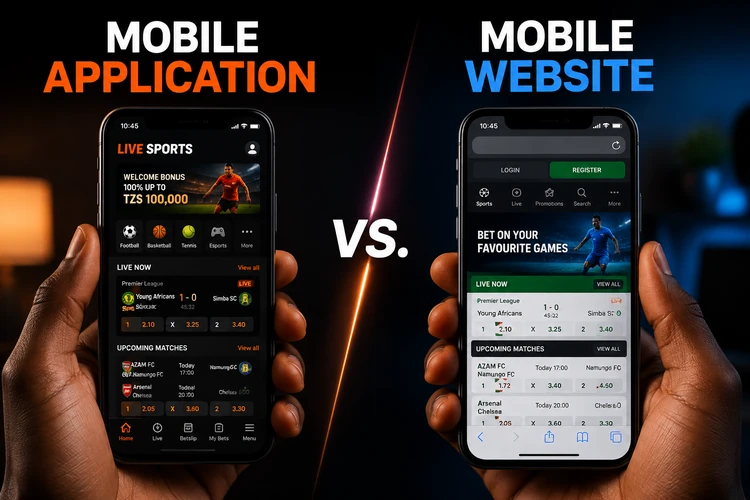
Here is a simple comparison of the main access options.
| Feature | App | APK | Mobile Website |
|---|---|---|---|
| Installation required | Yes | Yes | No |
| Storage space | Medium | Medium | Minimal |
| Update method | Via new build | Manual | Automatic |
| Best for | Regular use | Android setup | Fast access |
If you use a low-storage phone or switch devices often, the mobile site is usually the simplest choice. If you prefer a more app-like feel, the installed version is better. Both options can work well as long as you use the official platform.
Lite Version
Soccabet Lite is designed for lighter browsing on slower networks. It reduces page weight, uses less data, and leaves out some of the heavier visual elements that make the full site slower on weak connections. The core account and betting tools remain available.
This version is useful if you are on a limited data plan or your signal changes during the day. Pages open faster, and the site is less likely to stall when the network is busy. For many users, that matters more than extra design features.
| Option | Best for | Data use | Needs install |
|---|---|---|---|
| Full app | Frequent betting | Moderate | Yes |
| Lite version | Slow internet | Low | No |
| Mobile website | Quick access on any device | Low to moderate | No |
If you want fewer interruptions, Lite is usually the easiest fallback. You can open it in the browser without adding another app to the phone. The classic site is a practical option too, especially when you only need a simple, low-data page to check your account.
Access on iPhone and computer
For iPhone users, the browser version is the safest path unless an official iOS app is clearly offered on the site. Open Safari, use the mobile website, and save it to your home screen if you want faster access later. That gives you an app-like shortcut without installing a separate file.
On a computer, the browser version is the most direct option. It gives you a larger view of odds, live events, and account pages, which can be useful if you like comparing markets side by side. If you need to sign in, use the regular login page from the same device and keep your details private.
The main difference between phone and computer use is screen space. On desktop, menus and tables are easier to scan. On mobile, the layout is built for one-handed use and shorter sessions. Both routes lead to the same account, so the choice is mostly about convenience.
FAQ
Open the official Soccabet site on your Android phone, go to the download area, and save the current file. After the download finishes, open the APK, allow installation from this source if prompted, and complete the setup.
Tap the downloaded APK file, review the permissions, and choose Install. If Android blocks the file, check your security settings, confirm that the download came from the official site, and try again after the file is fully saved.
An APK is safe only when it comes from the official source. Avoid third-party mirrors and file-sharing sites, because those copies can be modified, outdated, or unsafe for your device and account.
Yes, through the browser version. Open the mobile site in Safari or another browser, then bookmark it or save it to your home screen for quick access. If an official iPhone app becomes available, the site should show it clearly.
You can use Soccabet on a computer through the browser version. It gives you a larger view of the site and the same account access, so it works well for users who prefer a desktop screen.
Soccabet Lite is a lighter browser version for slow or unstable connections. It uses less data, loads faster, and keeps the main betting and account tools available without the heavier page elements.